Manual · Chapter 13
Overlays, 3D and the Library
Light leaks, grain, frames and backgrounds laid over the picture, 3D scenes and models, stickers, and overlays of your own.
Overlays
The Overlays panel holds pictures that go over your footage: light leaks, film grain, dust and scratches, frames and borders, gradients, backgrounds, and 3D scenes. They are made in code, so they are sharp at any size and free to use.
- Drag an overlay onto a track above your footage, or click it to place it at the playhead.
- An overlay is a clip: trim it, move it, and change its look in the inspector.
- Light leaks and grain usually look best blended: set Blend to Screen or Overlay in the Video tab.
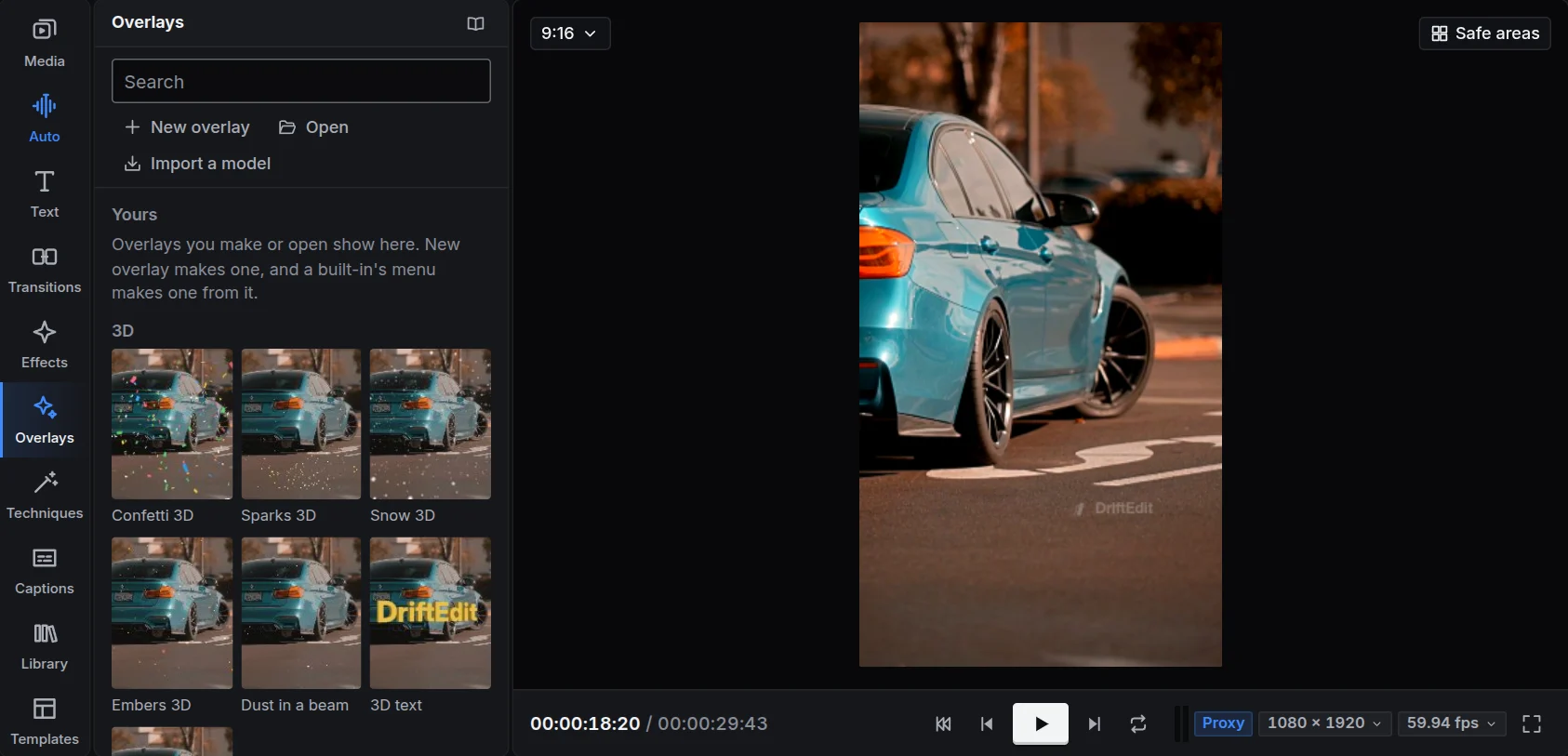
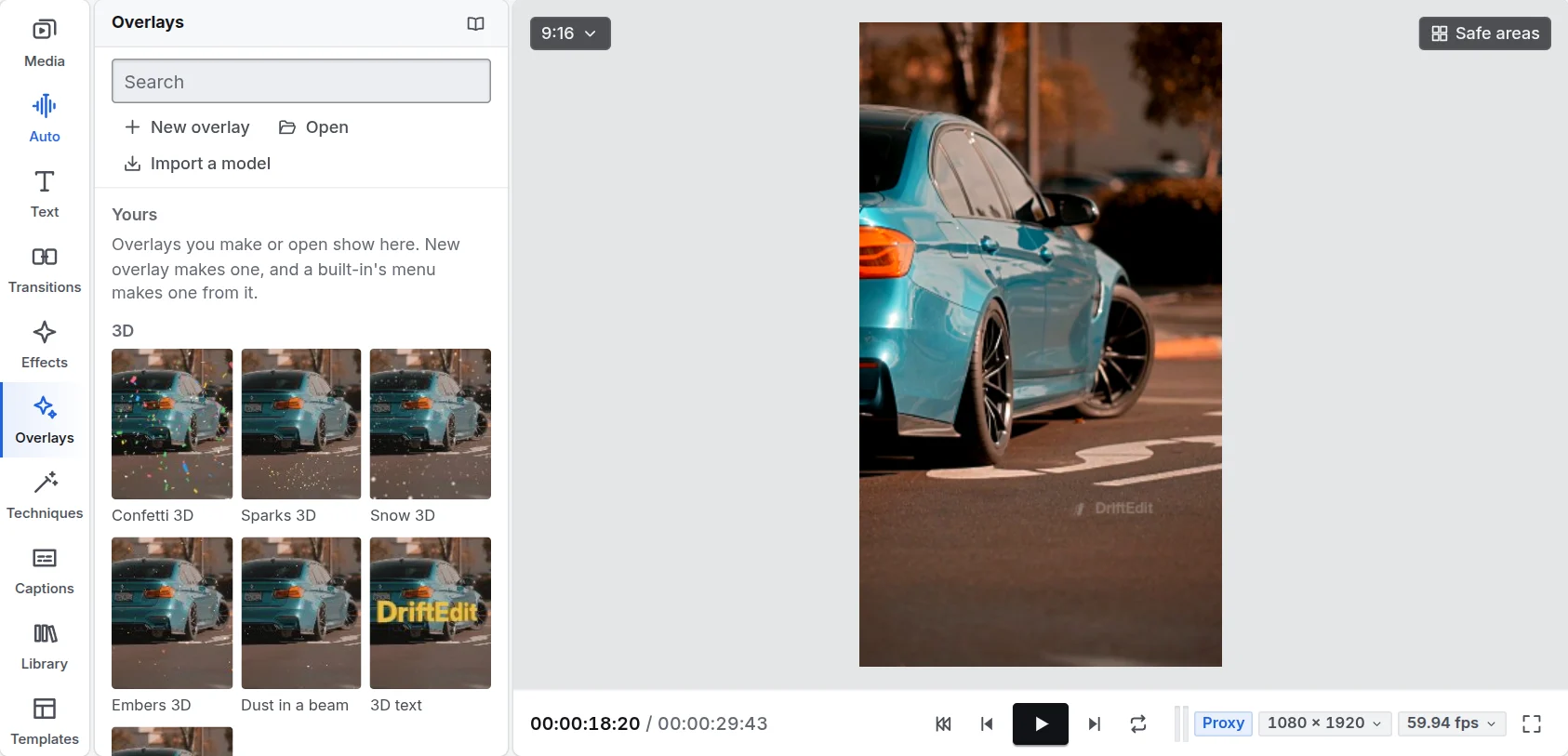
3D scenes
Under 3D, at the top of the Overlays panel: 3D model, Confetti 3D, Sparks 3D, Snow 3D, Embers 3D, Dust in a beam and 3D text (the studio's typefaces, extruded and lit). They are drawn by DriftEngine at the clip's time, so the preview and the export show the same frame. Place them like any picture; their settings are in the inspector.
3D models
Press Import a model at the top of the Overlays panel and choose the file: the model goes into the bin and onto the timeline at the playhead, fitted to the frame and lit. You can also drop a model file anywhere on the studio, or press Import a model in a 3D model clip's inspector.
DriftEngine reads the formats 3D artists and stores use: glTF (.glb, .gltf), OBJ, FBX, USD (.usdz, .usda, as an iPhone scan makes), STL, 3MF, Blender (.blend), and DriftEngine's own .drft, a baked scene that streams in at full detail.
In the inspector, a 3D model's settings come first, each keyable:
- The camera: Orbit (how far it goes round in the first five seconds), Start angle, Spin speed, Size, Camera height, Lens (wide or long) and Push in (moving closer over the clip).
- The light: Light direction and Light height move the main light round and up, with its Light colour and Light brightness; Fill light sets how dark the shadows are; Rim light, in its Rim colour, outlines the model from behind so it stands out from the footage.
Stickers
Library, Stickers has shapes, arrows, emoji-style marks and badges to drop on the picture. Move, scale and turn them in the viewer. Follow what moves in Techniques can pin one to a moving subject.
Overlays of your own
New overlay opens the creator: build one from the catalogue's overlays with its blend and length, or write it in GLSL (checked on WebGL 2 and WebGPU as you type). Save keeps it under Yours, Export saves a .driftoverlay file to share, and Open brings one in. Signed in, yours follow you to your other devices.
The chapter Reference lists every overlay.