Skip to content

The editor

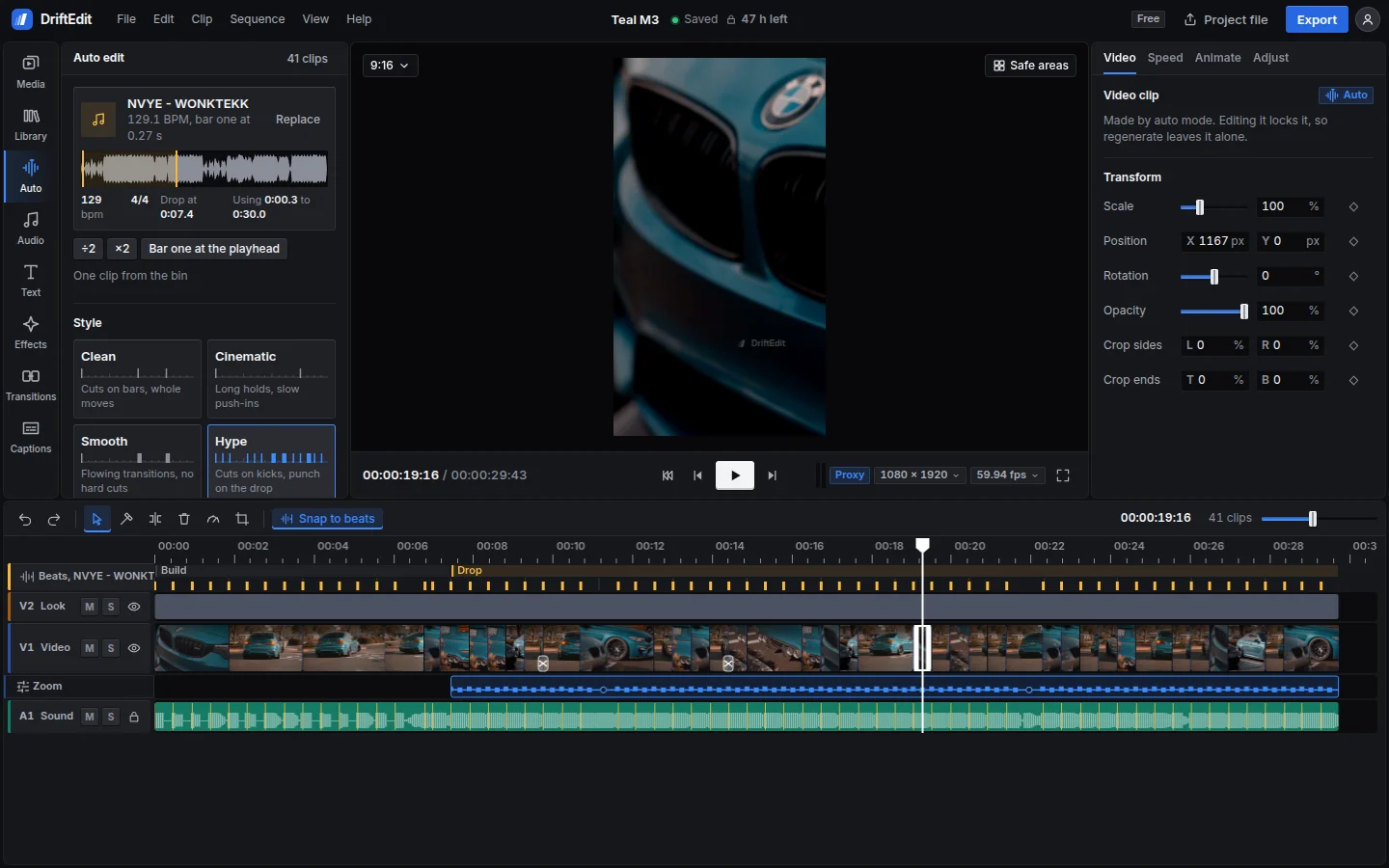
Start from an auto edit or build from scratch. The full timeline editor runs in the browser.

DriftEdit with a media bin, a vertical video in the viewer, clip settings in the inspector and a timeline with clips, music and automation

Editing tools

The timeline

  • Tracks for video, photos, audio, text and adjustment layers
  • Move, trim, split, ripple delete, slip, slide and roll. Undo any step or return to it in the edit history
  • Snap to kicks, bars, clip edges, markers and the playhead. Set in and out points or loop playback

Keyframes and speed

  • Keyframe scale, position, rotation, anchor and opacity, with easing for each keyframe
  • Speed ramps from six presets or a custom curve, plus reverse, rewind, boomerang and freeze
  • Automation lanes for volume, pan, filters, opacity, zoom and position

Effects and transitions

167 effects and 81 transitions, rendered on the graphics card. Preview them on the selected clip before applying. Transitions sit on the cut; drag their edges to adjust the duration.
Browse the catalogue

Text and captions

  • 106 text styles in 26 typefaces, with 40 animations by letter, word or line
  • 53 caption styles, most with spoken-word highlighting
  • Captions from speech, transcribed on the device. Each word stays timed to its clip through edits
  • Import and export SRT or WebVTT. Burn captions into the video or keep them separate

Sound

  • Volume, pan and filters per track. Volume, pan and fades per clip, with mute and solo
  • Linked audio moves with its video. Unlink them to edit separately
  • A Library of 49 sound effects and 8 beat loops, generated in code

Projects and export

  • Autosave keeps the edit ready to resume after a reload
  • Project files with or without media, for moving edits between devices
  • MP4 from 720p to 4K at supported frame rates, with a custom bitrate. Audio-only export as WAV or a single frame as PNG

The same editor on a phone

Edit with the viewer above the timeline. Clip settings and the catalogue open as sheets; long-press to open menus.

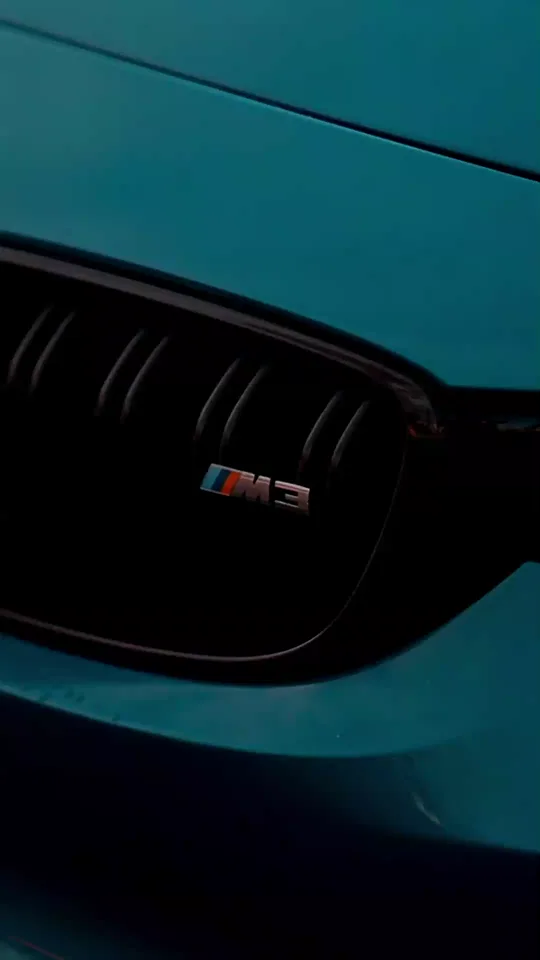
The first frame of a vertical edit made in DriftEdit

Coming

Stems from any song (vocals, drums, bass and the rest), separated on the device. The model is still being tested on phones. Free when it ships.

Open editor