YouTubers
- Long timelines with as many tracks as needed
- Titles and lower thirds on separate tracks, with captions from SRT or WebVTT
- Widescreen exports up to 4K with Pro, or audio-only export as WAV
A timeline editor with keyframes, effects, titles and captions, plus export up to 4K. Start from scratch or let auto mode cut clips to a song. Files stay on your device.
For For YouTube videos, shorts and reels, vlogs, music edits and short films
Free on desktop and phone. No account needed.
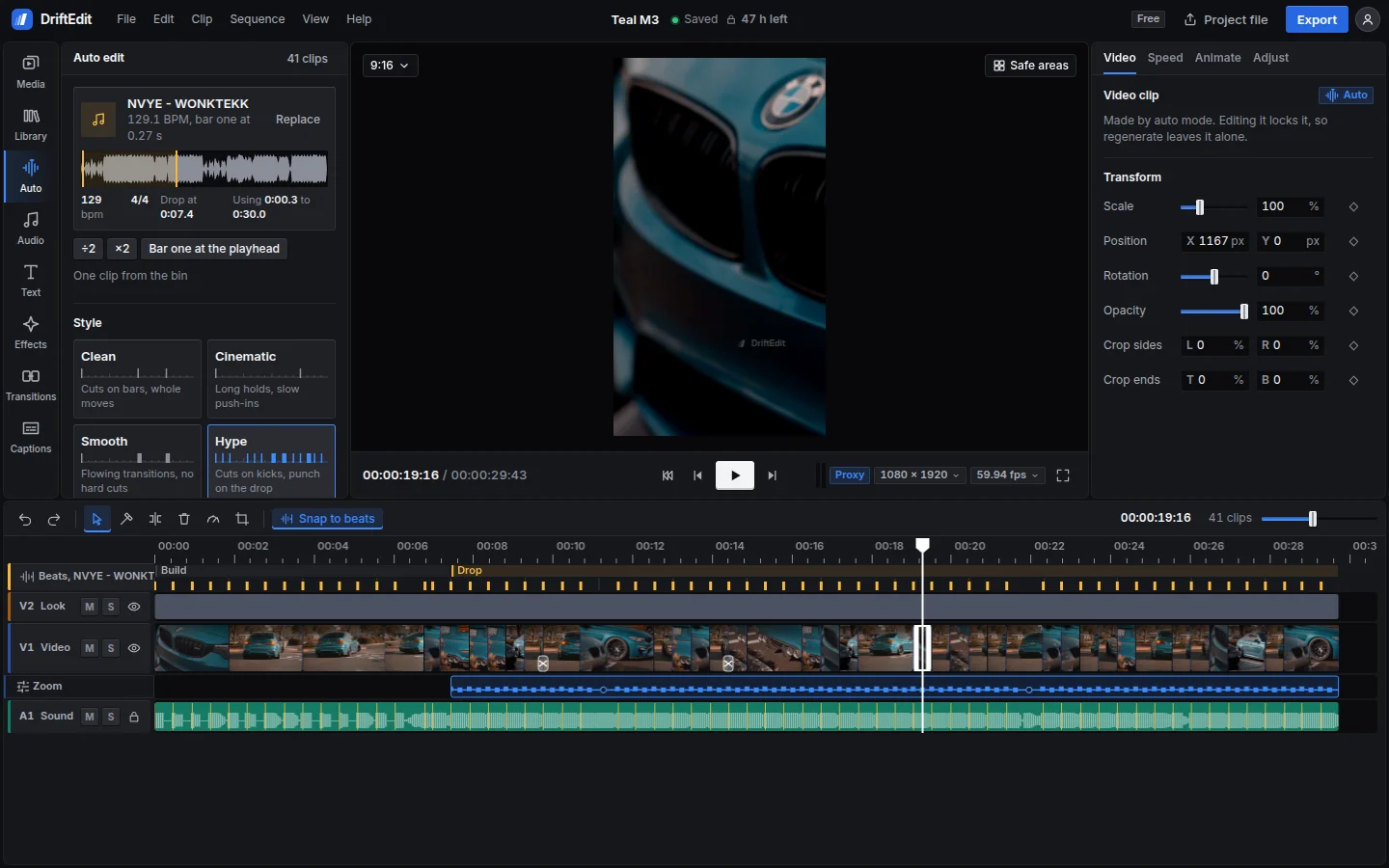
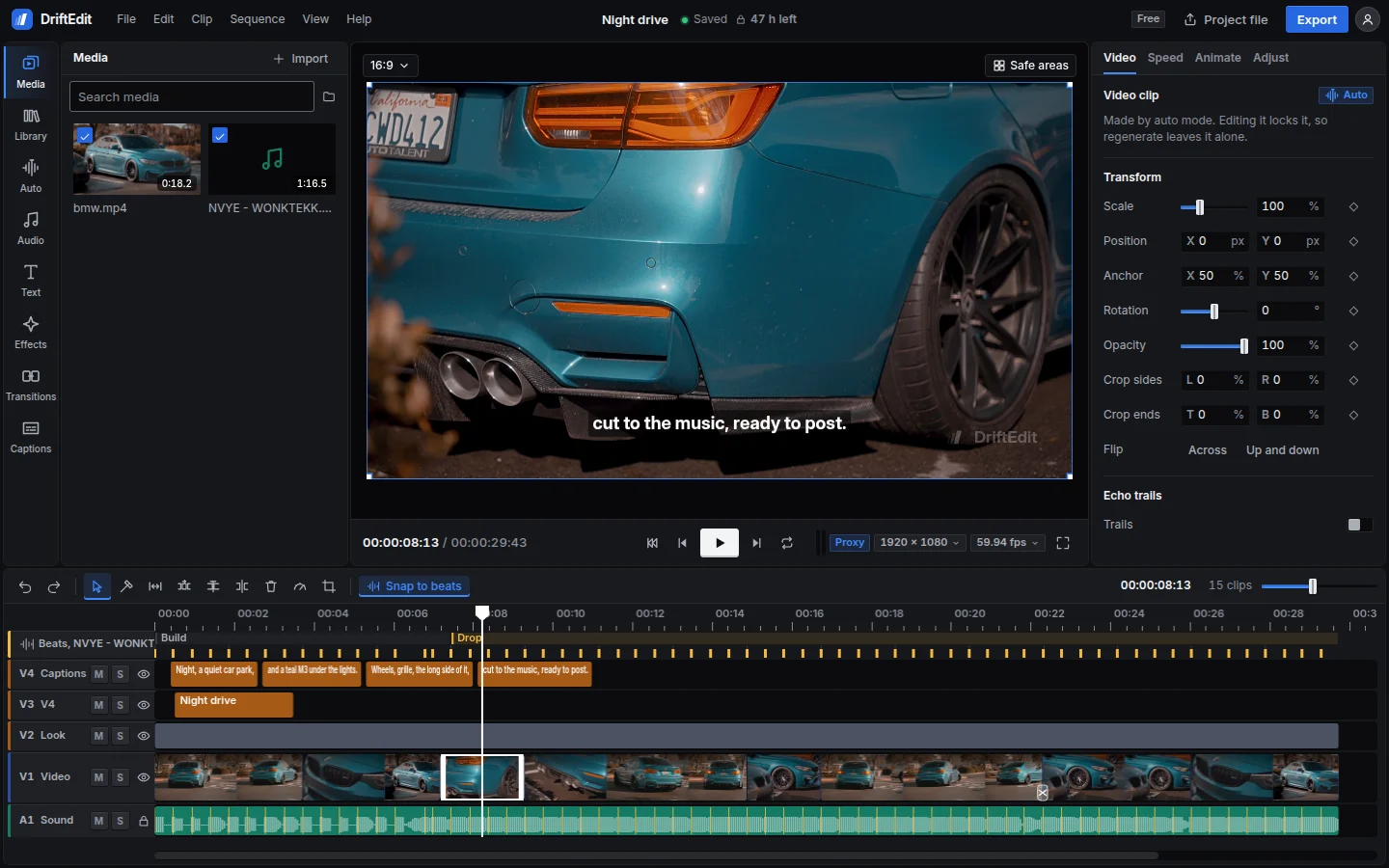
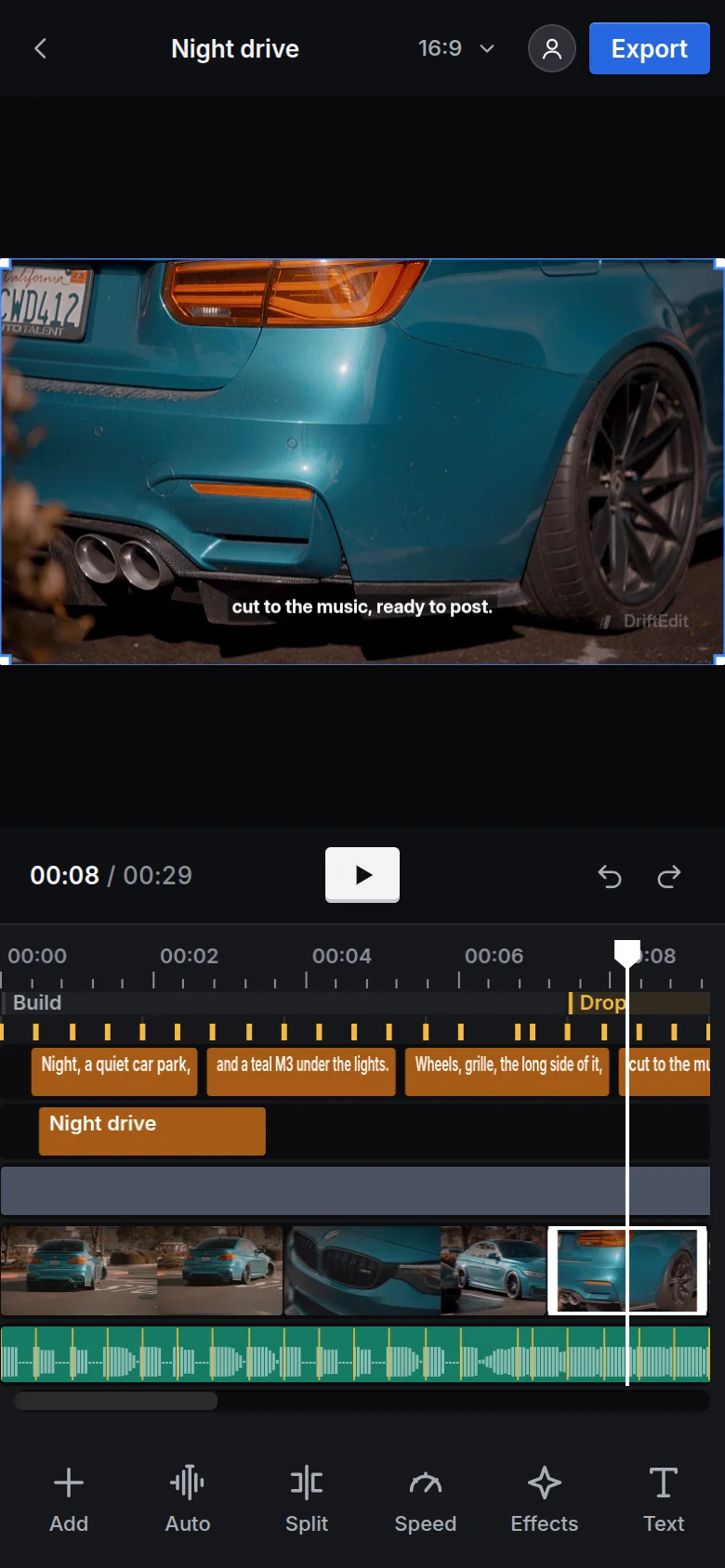
Edit long videos for a channel, short-form posts, client work or a first film, all in the browser.
Auto mode analyses the tempo, bars, kicks and drop, then matches sharp, active shots to the music. Choose from seven styles. Change any clip and remake the rest around it.
Straight cuts on the bar
Straight cuts on the bar, with the footage left free of effects.
Long holds, slow push-ins
Holds shots across several bars, with slower playback in calm passages. Uses dissolves and a film grade.
Transitions between shots
Cuts on the bar with dissolves, zooms, blurs and slides between shots.
Cuts on kicks, punch-ins on the drop
Cuts on every kick of the drop, with a bounce on each cut. Adds punch-ins at new sections and whip-pan transitions.
Speed ramps into every hit
Speed ramps slow the footage on each kick of the drop and speed it up between kicks. Uses slower playback in calm passages, with zoom transitions and a vivid grade.
Glitch and shake on the hits
Cuts on every kick, with short bursts of glitch, RGB split and shake on the hits.
Reverse shots on the beat
Cuts on kicks, with reverse shots that zoom as they play. Adds rewinds on the beat and into the drop.
Hatched clips play in reverse. A notch marks a transition.
Trim clips, add tracks and keyframes, apply effects or set titles and captions. Auto edits use the same timeline, with every clip open to changes.
Keyframe scale, position, rotation and opacity, with easing. Each clip supports speed ramps, frame-blended slow motion, reverse and rewind. Automation lanes control volume, pan and filters.
167 effects and 81 transitions rendered on the graphics card. Preview them on the selected clip and adjust every parameter in the inspector.
106 text styles, 53 caption styles and 40 animations. Import and export SRT or WebVTT files, or restyle all captions at once.
Export at 720p or 1080p on the free plan, at any supported frame rate. Export several aspect ratios together, or save the audio or a single frame. Choose where to save the files. Pro adds 4K at up to 120 fps.
Claude, Cursor or any MCP client can use the full editor on your computer. Each tool includes instructions for the agent.
33 documented tools cover every auto mode setting, timeline editing, the song's kicks, techniques, captions and export.
The agent can inspect individual frames or a contact sheet before changing the edit or exporting.
The server runs the studio in a separate Chrome instance. It reads files from disk and saves exports there. Files are never sent to DriftEdit.
Decoding, editing and encoding run in the browser tab, using the device's processor and graphics card. Rendering starts on the device, without a queue or credits to buy.
On the device, in browser storage. Decoding, editing and export happen in the tab. Nothing is uploaded. To move an edit between a phone and a computer, save a project file with or without its media.
No. The free plan works without signing in. An account keeps the plan and preferences across devices. One will be needed to pay for Pro when it launches.
Any audio file. DriftEdit does not host or sell music. The Library includes sounds and beats generated in code, free to use in exported work.
The DriftEdit watermark is set to 25% opacity and 10% of the frame's shorter side. It sits within the safe area, clear of the buttons on TikTok, Reels and Shorts.
A free project locks 48 hours after the last edit. Each edit restarts the clock; the remaining time is always shown. The project and its media stay on the device. Pro unlocks it. Exported files never expire.
Yes. Claude, Cursor or any MCP client can use the editor through the agent server, a single file that runs the studio on your computer. It supports auto mode, timeline editing, techniques and export. Agents can inspect frames as they work. Setup instructions are on the AI agents page.
Current versions of Chrome and Edge on desktop and Android are tested. Safari and Firefox support is still being tested on individual devices. Unsupported options are labelled in the editor.
Runs in this browser. Nothing to install.